100% Free · No Upload · No Watermark
Combine Images Vertically Online – Stack Photos into One
Stack images vertically into one tall picture with our free online image joiner. Combine JPG, PNG and WebP photos one below another, with or without gaps, and download a single scroll-friendly image. It is perfect for receipts, ID cards, notes and step-by-step guides, and it runs entirely in your browser with no upload or sign-up.
Drag & drop your images here
or
Your images are processed on your device and are never uploaded.
Preview
Crop image
How to Stack Images Vertically
- Upload your images. Add 2 to 30 JPG, PNG or WebP files.
- Set the top-to-bottom order. The first card appears at the top. Drag cards or use the arrows.
- Adjust the stack. Set spacing (0 for zero gaps), alignment, background and border.
- Download. Click Process Images and save your vertical image as JPG, PNG or WebP.
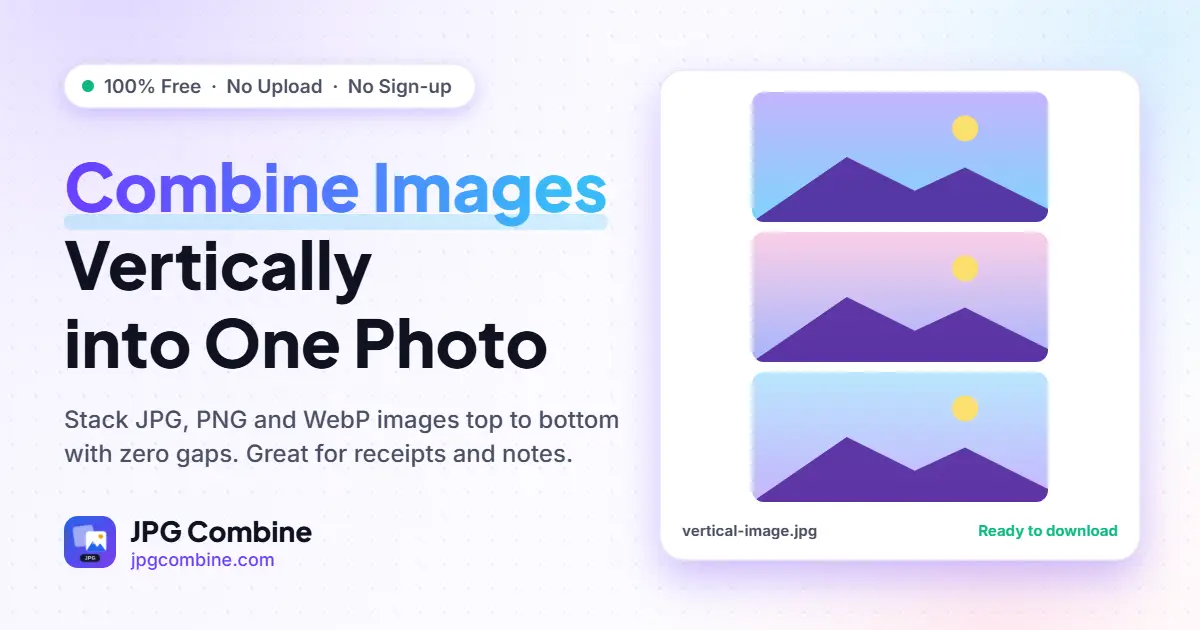
Vertical Image Joiner Features
| Feature | Details |
|---|---|
| Layout | Vertical – one column, top to bottom |
| Input formats | JPG / JPEG, PNG, WebP |
| Output formats | JPG, PNG or WebP |
| Alignment | Left, center or right for images of different widths |
| Same-width option | Scales wider images down to match the narrowest |
| Gaps | Spacing from 0 (seamless) to 200 px |
| Editing | Crop, rotate, replace, remove, reorder |
| Limits | 2–30 images, up to 25 MB each |
| Privacy | Client-side processing, nothing uploaded |
Join Photos Vertically with Zero Gaps
Set Spacing to 0 to stitch images edge to edge, like one continuous photo. This linear stitching is different from panorama software: it does not blend or warp images, it simply places them one below another so every detail stays exactly as it was.
Make Every Image the Same Width
When images have different widths, the narrower ones are aligned left, center or right and the background fills the rest. For a neat column, turn on Make images the same size. Wider images are scaled down to match the narrowest one, and nothing is ever enlarged, so quality stays sharp.
What Can You Stack Vertically?
- Documents: receipts, invoices, bills and multi-page forms in one image.
- ID cards: front and back of a CNIC, passport page or license for online forms.
- Study notes: handwritten pages, assignments and whiteboard photos.
- Top-bottom collages: vertical before-and-after photos for Instagram Stories.
- Tutorials: step-by-step screenshots and recipes that read top to bottom.
- Comics and storyboards: panels joined into one scrolling strip.
Tips for Vertical Images
- Use JPG for photos and PNG for text-heavy pages to keep them readable.
- Keep the stack under 10–15 large photos on older phones to avoid memory limits.
- Crop away borders and status bars before stacking for a cleaner result.
- For a document you will print or submit, try our JPG to PDF converter instead.
JPG Combine vs Other Vertical Photo Stitchers
| JPG Combine | Typical online editors | Desktop software | |
|---|---|---|---|
| Price | Free, no limits | Free with paid upgrades | Paid licence or subscription |
| Sign-up | Not needed | Often required to export | Account or install needed |
| Watermark | Never | Sometimes on free plans | None |
| Image upload | Never – processed on your device | Files uploaded to servers | Local |
| Zero-gap stitching | Yes, spacing 0 | Sometimes limited | Manual alignment |
| Speed to result | Seconds | Minutes (templates, editor) | Minutes to hours |
Related Free Image Tools
- Combine Screenshots – stitch chats and web pages into one long image
- Combine Photos Side by Side – place images in one row
- JPG to PDF – turn stacked pages into one PDF document
- JPG Combine – merge JPG files any way you like
- See all free image tools
Combine Images Vertically – FAQs
How do I combine images vertically?
Upload your images, put them in top-to-bottom order and click Process Images. They are stacked into one tall image you can download.
Can I stack images with no gap?
Yes. Set Spacing to 0 for a seamless, edge-to-edge vertical image.
How do I make all stacked images the same width?
Turn on Make images the same size. Wider images are scaled down to match the narrowest one.
Can I mix JPG, PNG and WebP?
Yes. You can stack JPG, PNG and WebP images together in one column.
Is there a limit on height?
You can stack up to 30 images. Very tall results may be scaled down by your browser to stay within memory limits.
Can I combine the front and back of an ID card?
Yes. Upload both sides, keep the vertical layout and download one image for online forms.
Does it work on mobile?
Yes. It works in Safari, Chrome and other mobile browsers on iPhone and Android.
Are my images private?
Yes. Images are processed on your device and are never uploaded.